

New feature: save your unique filter combinations
Try our new feature – bookmarks, designed to make working with reports even faster and more convenient.
You can now:
- save your unique filter combinations;
- reapply them with a single click;
- create as many bookmarks as needed for different purposes.
You will find the bookmark icon in the bottom-right corner of each dashboard – click it to save your selected filter combination.
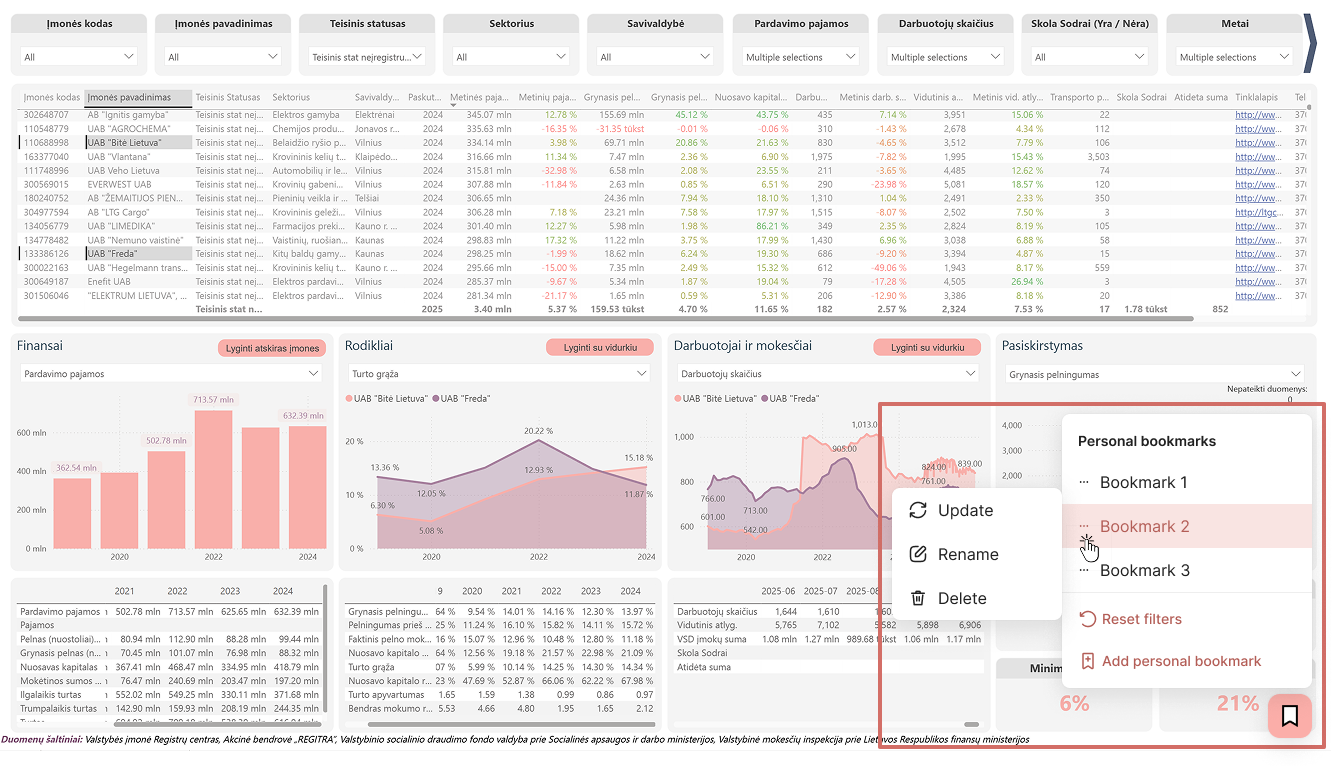
How does it work?
- Filter the report according to your desired criteria.
- Save the filter combination by clicking “Add personal bookmark”.
- The next time you open the report, simply select the saved bookmark – all filters will be applied automatically.
Try it now and create your own library of frequently used filters.


